Everything practical: installing the app safely, registering, joining a group-buy campaign, tracking a parcel, and what to do when something goes wrong. Written in the order you will actually need it — starting with the part most people skip, which is reading the odds.
Most problems we see reported in shopping groups trace back to one skipped step. Doing these in order removes almost all of them:
Install from an official store — Google Play or the App Store.
Register with details you control — your own number and email, not a friend's.
Set your delivery address correctly the first time, including the barangay.
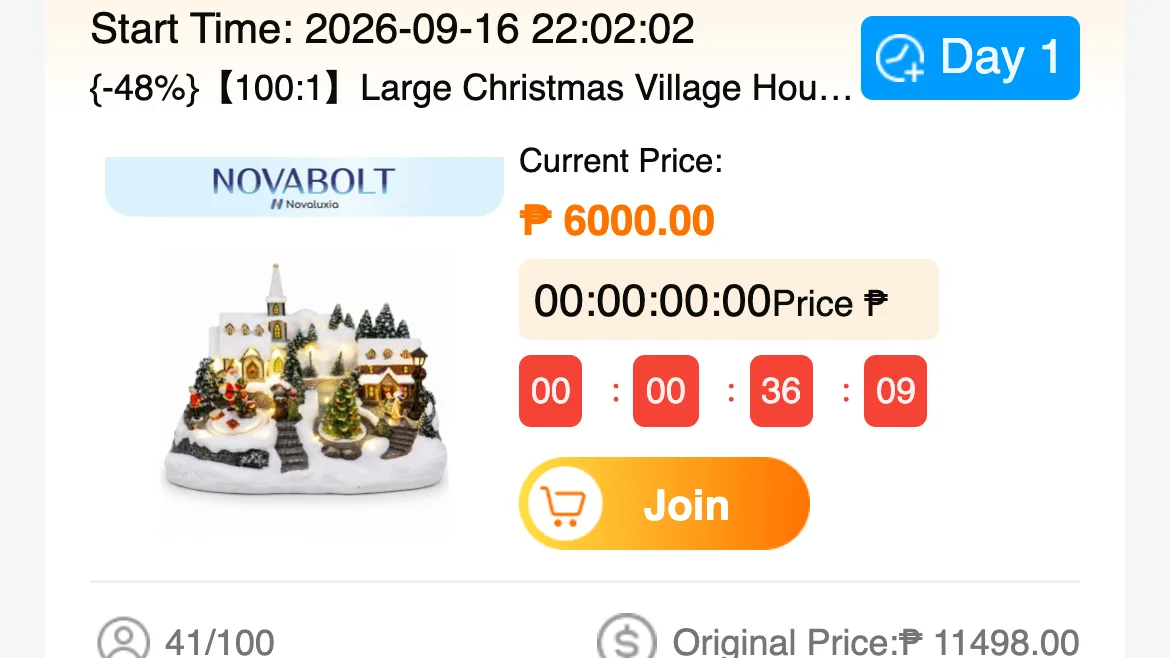
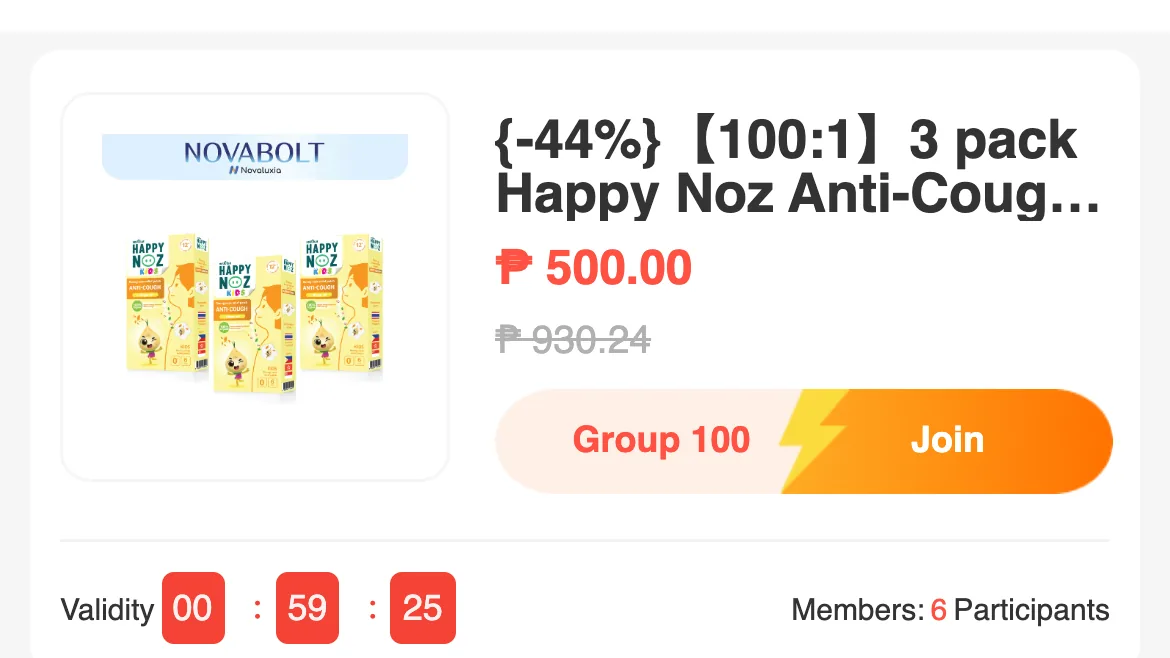
Work out which group buy you are joining before paying — the draw type (100 people, 1 slot) or the all-win type. The ratio is on the product title.
Keep the receipt inside the app, and screenshot the product page you bought.
Track inside the app rather than relying on a courier text message alone.
Each guide below walks through one of these in detail, with the screens and wording you will actually see.
Frequently asked
Where is the safest place to download the Novaluxia app?
The official Google Play listing or the Apple App Store listing. Avoid APK files and links shared in group chats — those are the version most likely to be tampered with.
How do I join a Novaluxia group buy?
Open the campaign in the app and check the ratio printed on the product title first — 【100:1】 means 100 people and one winning slot. Then confirm what comes back if you do not win, what happens if the group never fills, and the delivery estimate, before you pay. Steps are covered in detail in our group-buy walkthrough.
If I lose the draw, do I get a refund?
You get a small unwon reward, which we read at ₱5 to ₱85 on live campaigns in September 2026. Your payment is not returned. A group that never fills is a different case — there the principal is refunded.
What if my order is late or wrong?
Raise it through the app's own order or support flow, with your order number and photos. We cannot act on your order — but we do document what the process looks like.