Fake Novaluxia Apps, Pages and Sellers: How to Tell Them Apart
"Novaluxia fake" pulls up two different worries. One is whether the platform is real — that is a separate article. This one is about the copies: the repackaged APK, the lookalike domain, the page that offers to place your order for a fee.
Search "novaluxia fake" and you get two completely different worries bundled together, which is why the conversation about it goes nowhere.
The first is whether the platform itself is a front. We keep that question in a separate article. Short version: we have not found public evidence of it, and we say plainly what we could not check either.
The second is whether the thing in front of you right now is actually Novaluxia. That one you can settle yourself, in about two minutes, and it is what this page is for. Copies of a growing brand are routine: a repackaged app file, a domain with one extra hyphen, a Facebook page that offers to "process" your order for a fee.
The one check that settles most of it#
Every app carries a package identifier, and cloning an icon does not clone it.
| Store | What to look for |
|---|---|
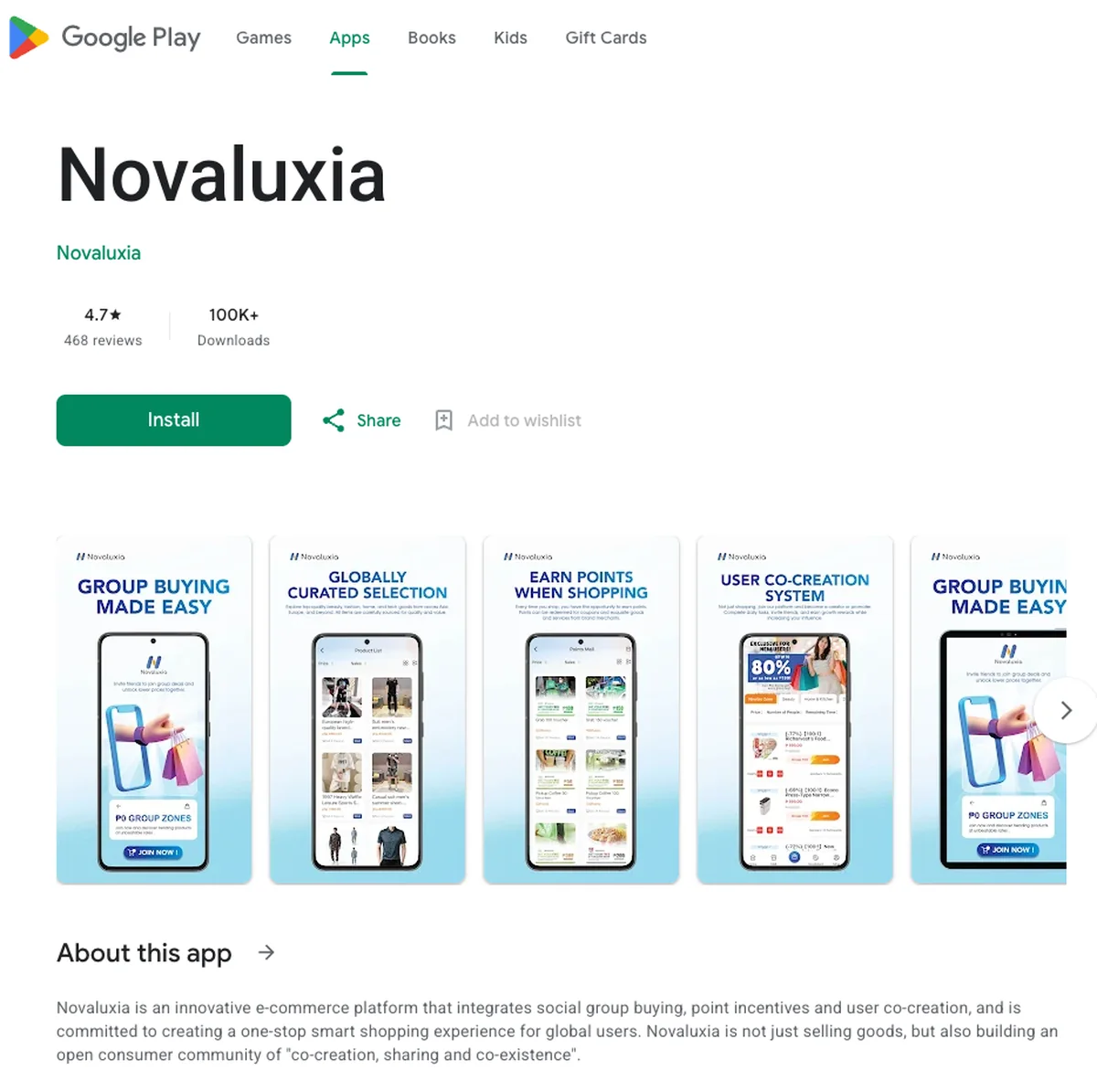
| Google Play | The official package is uni.UNI7878C48. You can read it in the listing's own address, and the developer name on the page is Novaluxia. |
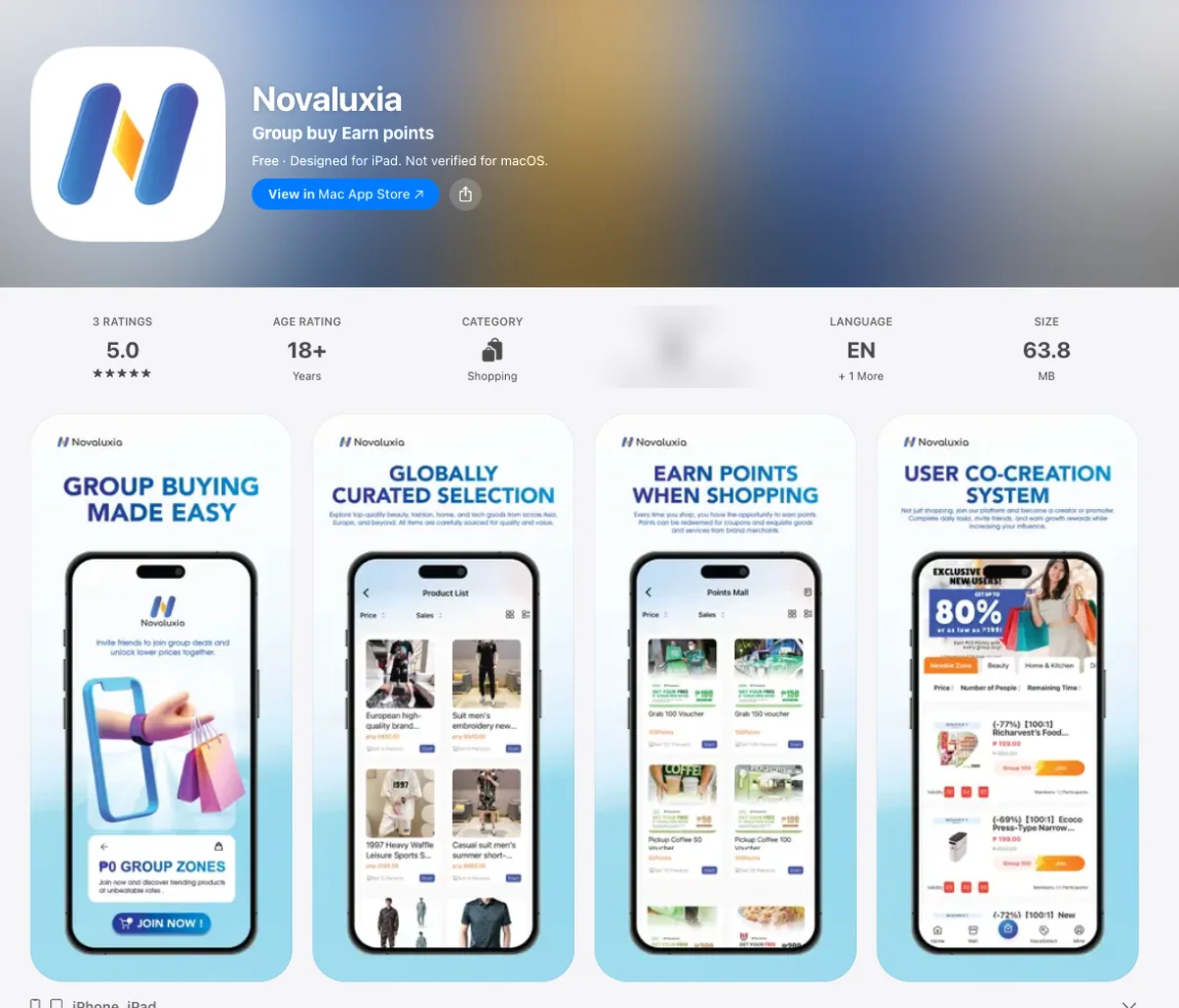
| Apple App Store | Apple does not print a package identifier on the page at all. What you can check is the Developer Website field — on the real listing it opens novaluxia.com — plus the app name and the copyright line, which reads © Novaluxia. |
Google Play carries an identifier you can read; the App Store does not, so on that store the website field is the check that does the work.
If a listing shows a different one, or you cannot see one at all because someone handed you a file instead of a store page, that is where you stop.
If you have not installed it yet#
Install from the store page you found by searching, not from a link in a chat. These are the two official listings:
- Google Play —
uni.UNI7878C48, developer listed as Novaluxia - Apple App Store — Novaluxia, Developer Website pointing at novaluxia.com
If you would rather not install anything at all, the platform runs its own web store at novaluxia.ph. Same catalogue, no app, no permissions — a reasonable place to check a price or a campaign before deciding whether the app is worth having.
What the genuine listings look like
Signs the app you installed is not the app#
Once it is on your phone, the tell is rarely the icon. It is the behaviour:
- It asks you to sideload updates or to "allow installation from unknown sources" again after install.
- It wants permissions it has no use for: reading your SMS, drawing over other apps, full access to your contacts.
- It asks for an OTP, ever, for any reason. A legitimate order does not need one, and neither does a courier or a support agent.
- It opens a wallet or a payment sheet that is not inside the app, or pushes you to a browser mid-checkout.
- It only exists because someone sent you the file. An app that cannot be found by searching its own name in the store is the single loudest warning there is.
The domain check#
Two official domains carry the name, and they do different jobs:
| Address | What it is |
|---|---|
novaluxia.com | The brand and news site |
novaluxia.ph | The web store — products and campaign pages |
Lookalikes almost always add something rather than replace something. An extra hyphen. A different ending, like .shop or .net. Or a long address that turns the real name into a prefix, something like novaluxia-ph.secure-login.example.com. There the part that actually decides where you are is the tail, not the beginning.
If you are unsure, type the address by hand instead of tapping a link. And if you have already typed your password into something that looked wrong, change that password now, plus anywhere you reused it.
Pages and "agents" that trade on the name#
This is the one that costs people money, because it does not look like a hack. It looks like help.
You will find Facebook pages and personal accounts offering to place orders for you, to "top up" your wallet, to sell you a voucher, or to act as an agent for a fee. Some are well-meaning people who do not realise they are breaking the rules. Others are not.
The distinguishing detail never changes: they want the money outside the app. A GCash transfer to a personal number. A bank deposit. A payment link that is not the app.
An order that happens inside the app leaves a record you can act on. An order that happens in a chat leaves you with a story. That is the entire difference, and it is the same on every shopping platform.
Campaign screenshots that do not exist#
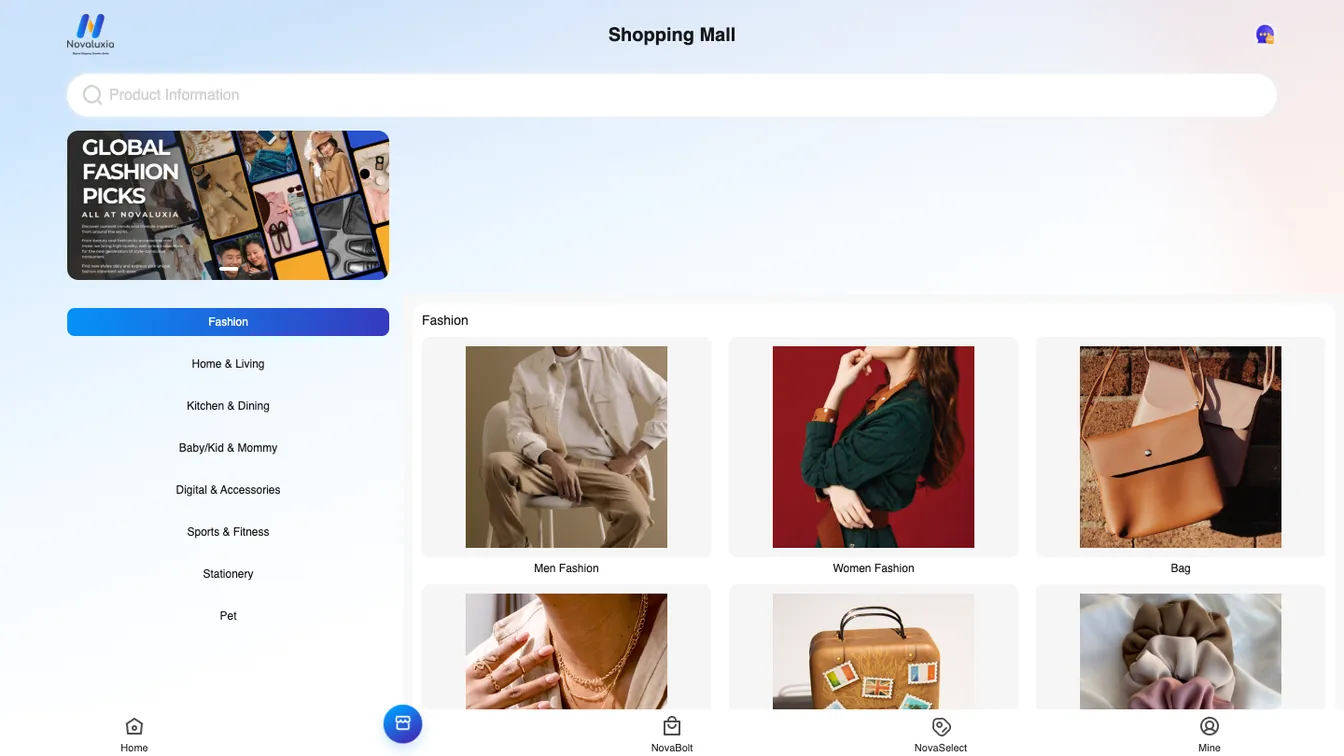
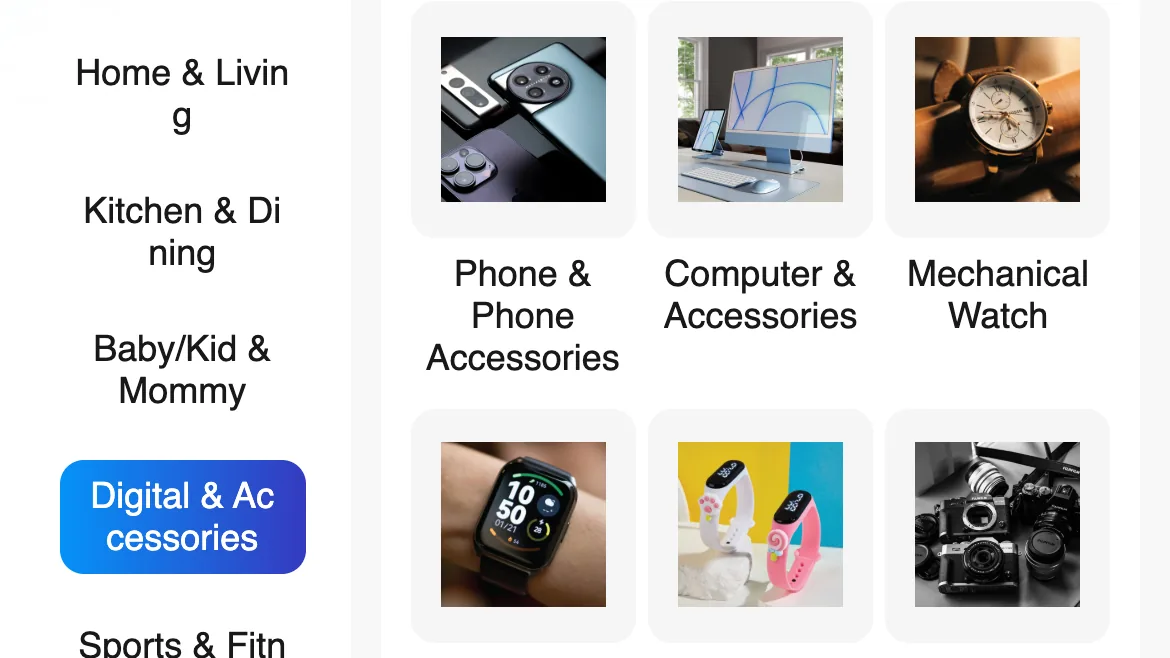
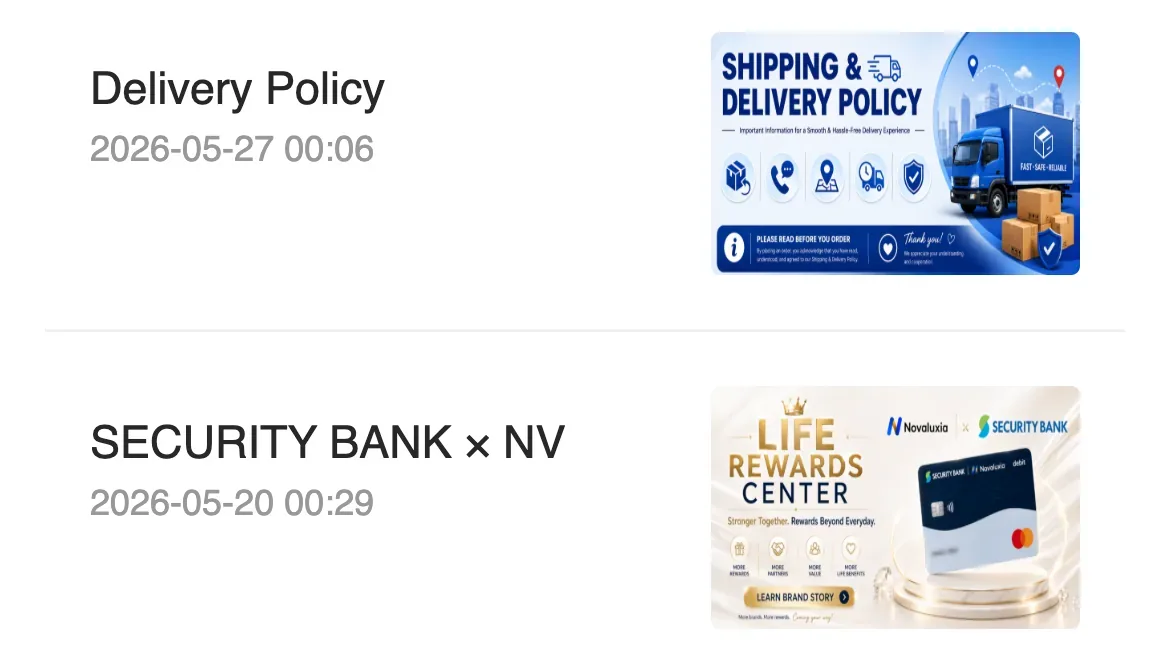
Screenshots of prices and campaigns circulate in shopping groups far faster than the campaigns themselves. Some are old, some are edited, and a few were never real. The app's own news list is a safer reference for official notices, and it dates its rows: we opened it in September 2026 and read a Delivery Policy notice from 27 May 2026 and a bank partnership notice from 20 May 2026. Category pages work the same way. The real mall's Digital & Accessories section lists nine sub-categories, from Smartwatch and Camera to Car Accessories, and copies rarely carry the full set.
The campaign page in the app is the only version that counts. If a group chat is showing you a deal you cannot find when you search for it inside the app, treat the screenshot as the problem.
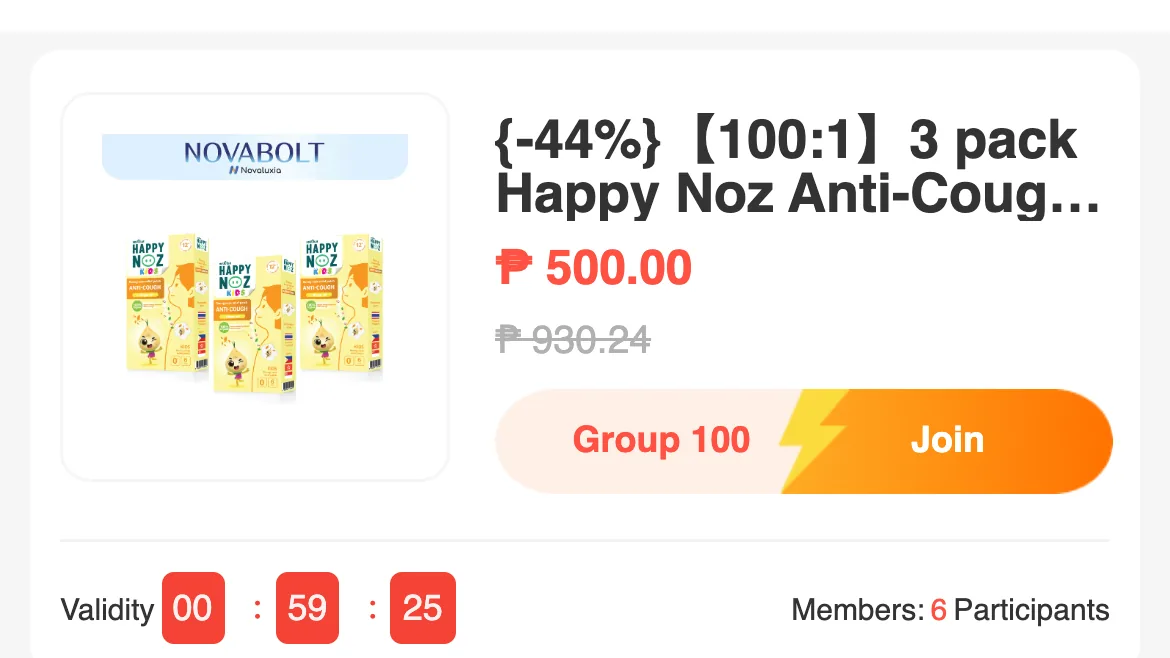
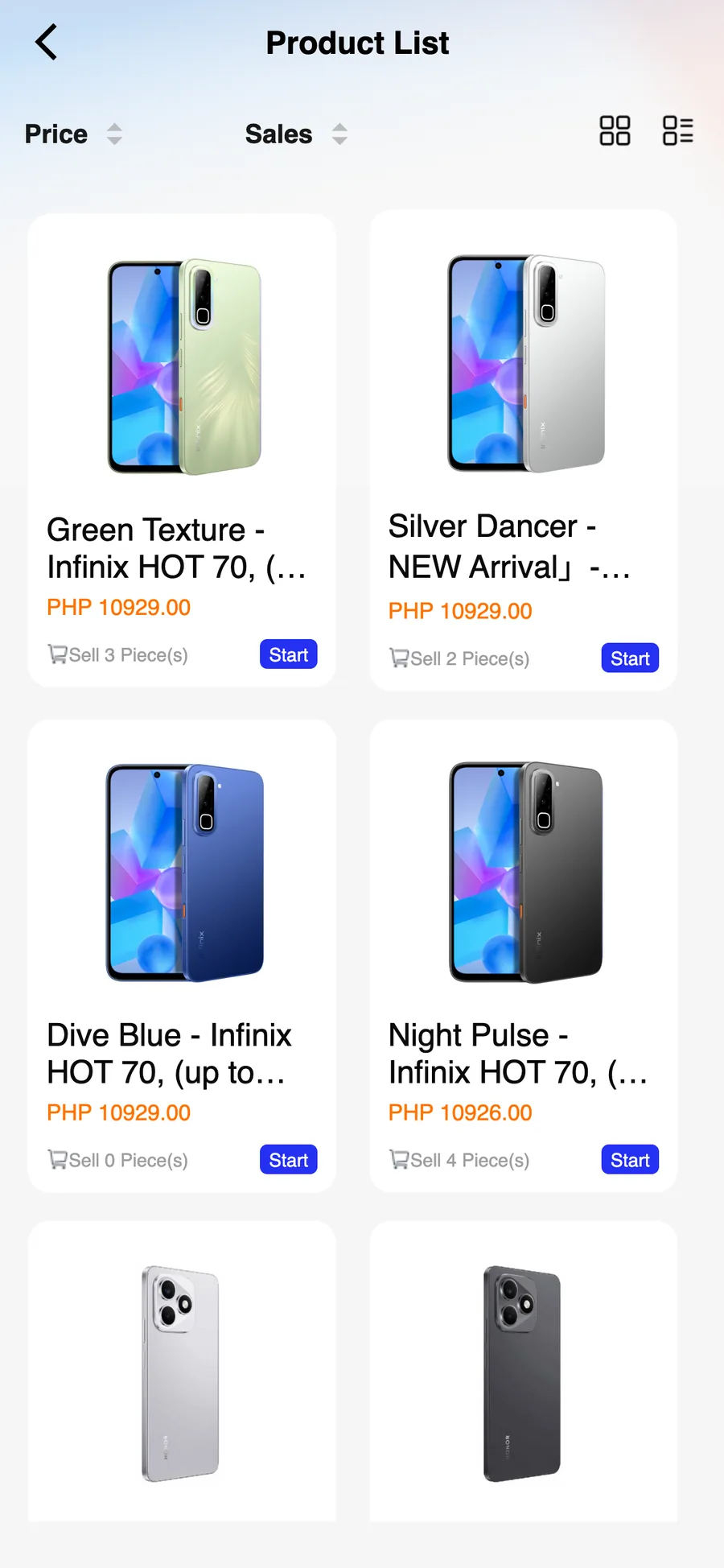
When you do find the campaign, read the ratio printed on the product title. A listing carrying 【100:1】 is a draw: 100 people, one winning slot, paid in full, and a small reward rather than a refund if you do not win. The card we opened in September 2026 was a 3-pack of patches at ₱500.00, marked 【100:1】, with six participants and the countdown still running. It is a genuine listing, and plenty of people join without reading it.
If you already installed it or sent money#
Work through this in order, and do the payment steps first:
- Contact your bank or e-wallet support the same day. GCash, Maya, your bank: whenever the money left, tell them now, not tomorrow. Same-day reports are the ones with any chance of a reversal.
- Keep everything. Screenshots of the conversation, the payment confirmation, the account name, the number, the link. This is your evidence file.
- Change the password for the account you used, and change it anywhere you reused the same one.
- If you shared an OTP, treat the account as compromised rather than just the payment. Move any money that is still sitting in it.
- Uninstall the app and reinstall from the official listing, or do not reinstall at all if you have lost confidence in the process.
- Report the listing or page to the store and to the platform's own support channel. Not because it always gets taken down, but because it is the only route that ever does.
The version that matters at the till#
None of this requires technical skill. Three habits cover almost every case above: install only from the store listing you found by searching, check that the identifier matches, and never let a payment leave the app.
Everything else on this page is detail.
Quick answers#
Two things worth being able to recognise at a glance
Is there a fake Novaluxia app on Google Play? We have not found a second listing under this name in the stores we checked. The copies we see reported are distributed as files and links in chat groups, not through the stores.
Is novaluxia.ph the real store? It is the platform's web store, and it is the address the platform publishes. It is a different thing from novaluxia.com, which is the brand site.
A page says it is "official support" and asked for my order number. Should I give it? An order number on its own is not a password, but there is no reason to hand it to a page you found through a comment. Raise the issue inside the app instead.
Does this mean the platform is safe to buy from? No, and we would not write that about any platform. This page is about whether the app and the page in front of you are genuine. Whether any individual campaign is worth joining is a different question, and the answer starts with the ratio on the product title.
Next#
- The wider question: Novaluxia scam claims, sorted
- The routine to run before a first order: the 10-minute check
- What the group buy actually is: the walkthrough
Quick answers
- How do I know the Novaluxia app I installed is the real one?
- Start at the store listing rather than a file. On Google Play the official package is uni.UNI7878C48 — you can read it in the listing's own address — and the developer name on the page is Novaluxia. Apple does not print a package identifier anywhere on the App Store page, so check the Developer Website field instead: it goes to novaluxia.com. If a listing shows a different package id, points its website somewhere else, or arrived as an APK file with no store page at all, stop there.
- What does a fake Novaluxia domain look like?
- It usually adds something to the real name: an extra hyphen, a different ending such as .shop or .net, or a prefix that turns the real name into a subdomain, like a long address ending in novaluxia-ph.something-else.com. The official pair is novaluxia.com for the brand site and novaluxia.ph for the web store.
- Someone offered to process my Novaluxia order for a fee. Is that legitimate?
- No legitimate order goes through a third party. Orders are placed and paid inside the app. Anyone who offers to place it for you and asks for a GCash transfer, a bank transfer or a link outside the app is asking you to hand over money with no record.
- I already paid through one of these. What now?
- Contact your bank or e-wallet support the same day and keep every screenshot. Change the password for the account you used, and change it anywhere you reused the same password. If you shared an OTP, treat that account as compromised, not just the payment.